

Oracle Fusion Document of Records DOR
The Document of Records (DOR) feature in Oracle Fusion HCM enables organizations to securely store and manage employee-related documents such as certificates, contracts, identification documents, training records, and compliance documents. It provides a centralized repository with configurable approval workflows, security, descriptive flexfields (DFF), validations, and reporting capabilities.
In this guide, we’ll walk through the complete setup and customization of Document of Records in Oracle Fusion HCM.
Topics Covered
In this article, you will learn how to:
- Create a Document of Record Type
- Configure Document of Record Security Profile
- Configure Approval Workflow for Document of Records
- Create and Configure Document of Record DFF (Descriptive Flexfields)
- Add Validations to Document of Records
- Implement Groovy Expressions in Document of Records
- Create a Draft Report for Document of Records
- Link the Report with the Document of Record Request
Create Document of Record Type.
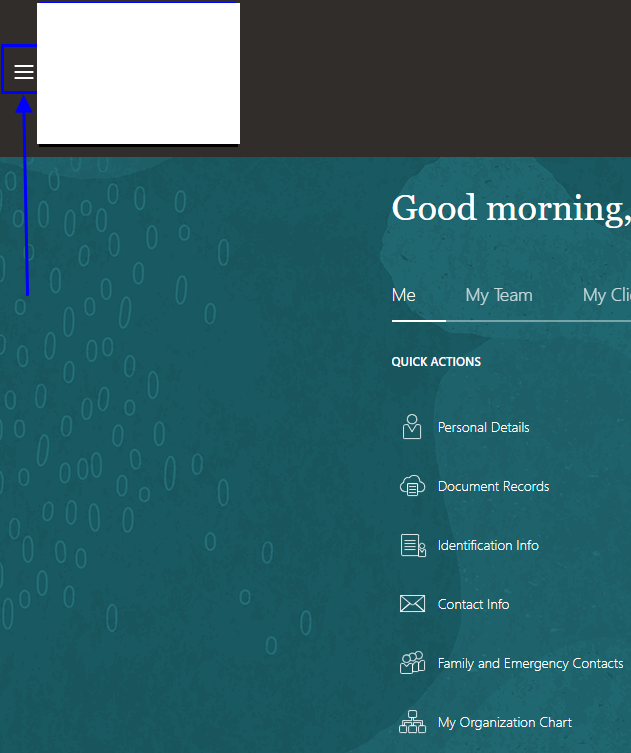
Step 1:
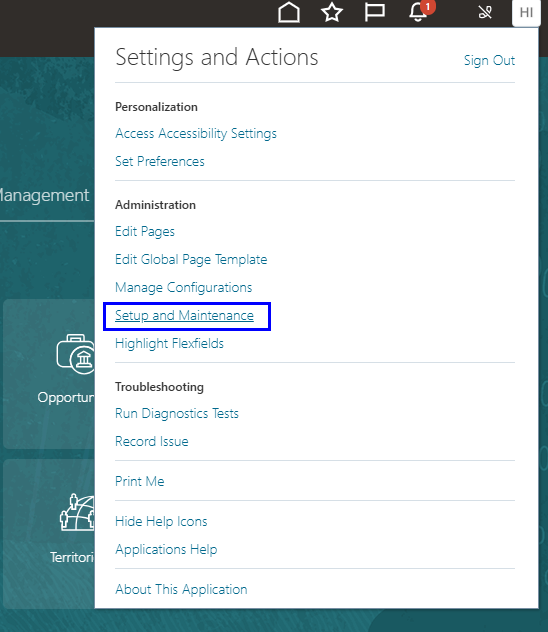
Step 2:
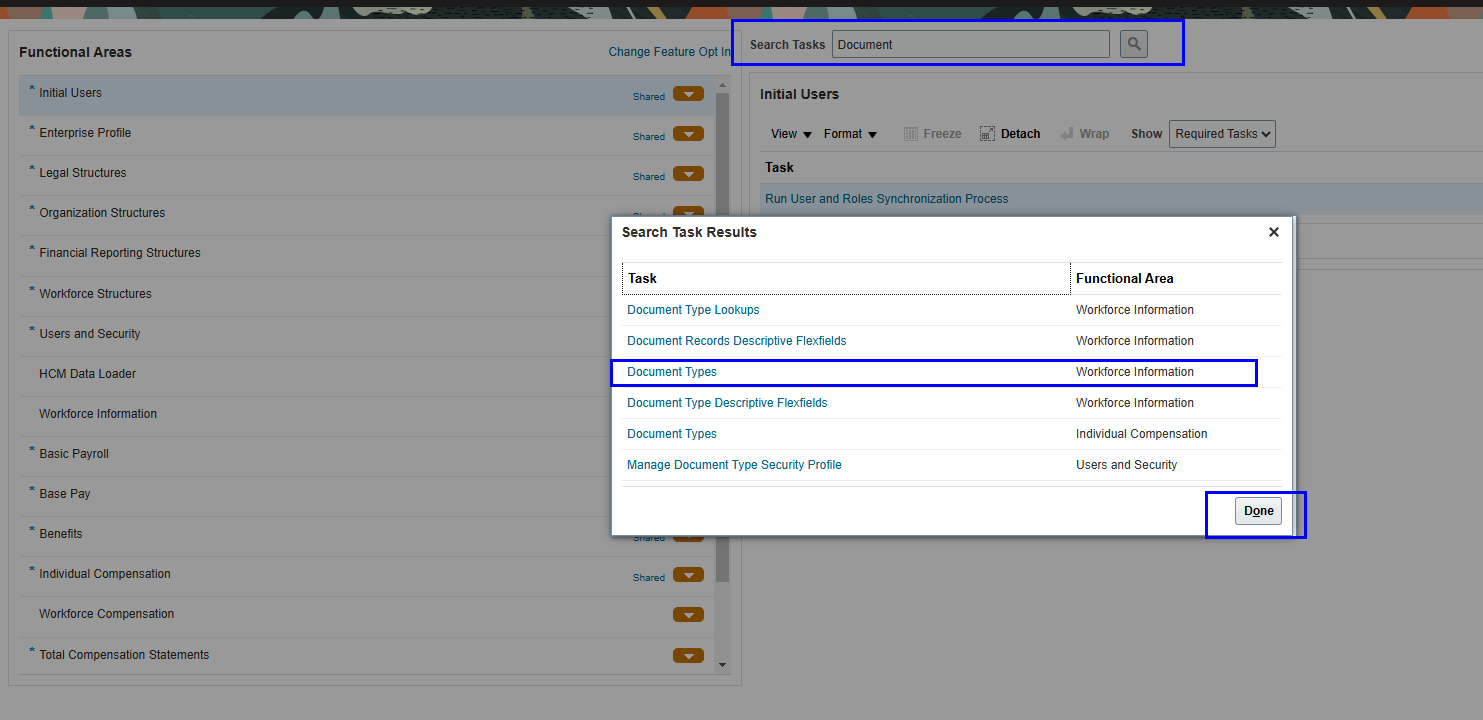
Step 3: Click on Add Button.
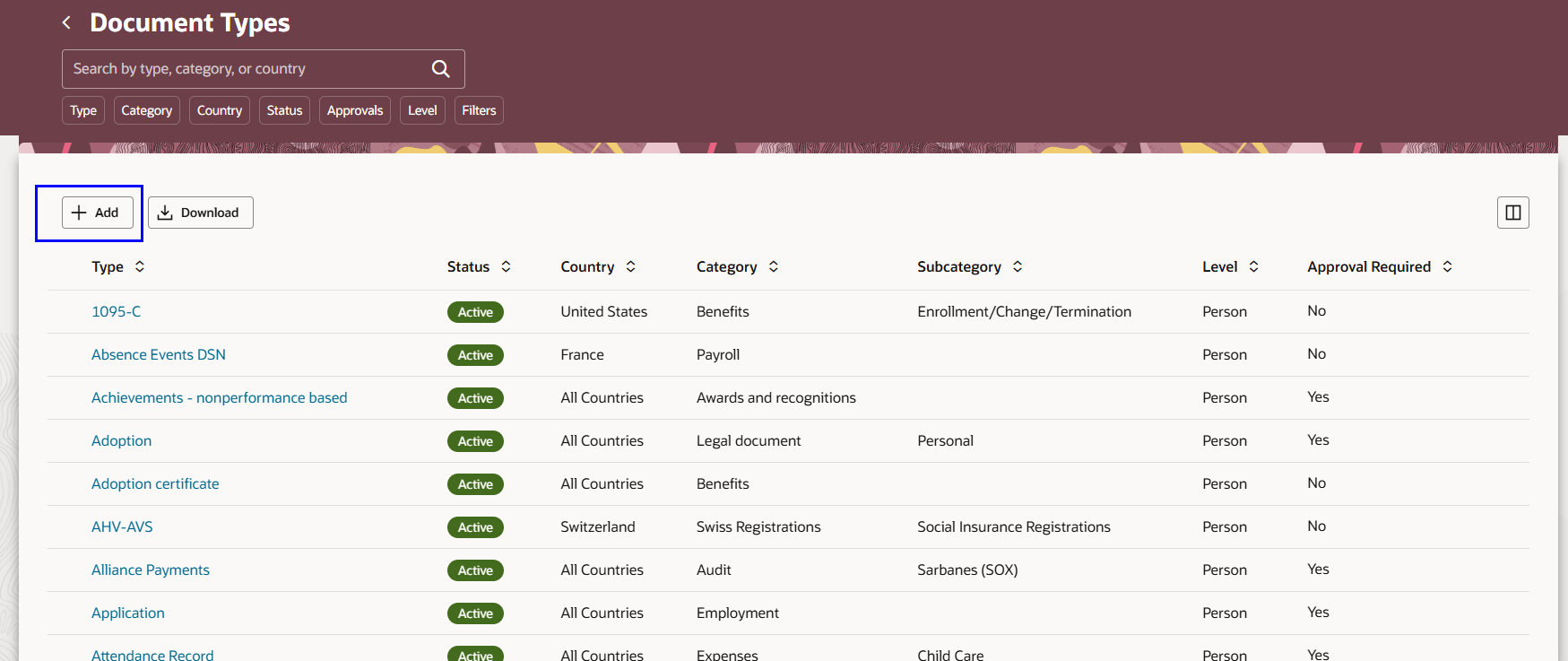
Step 4: Add document Type details.
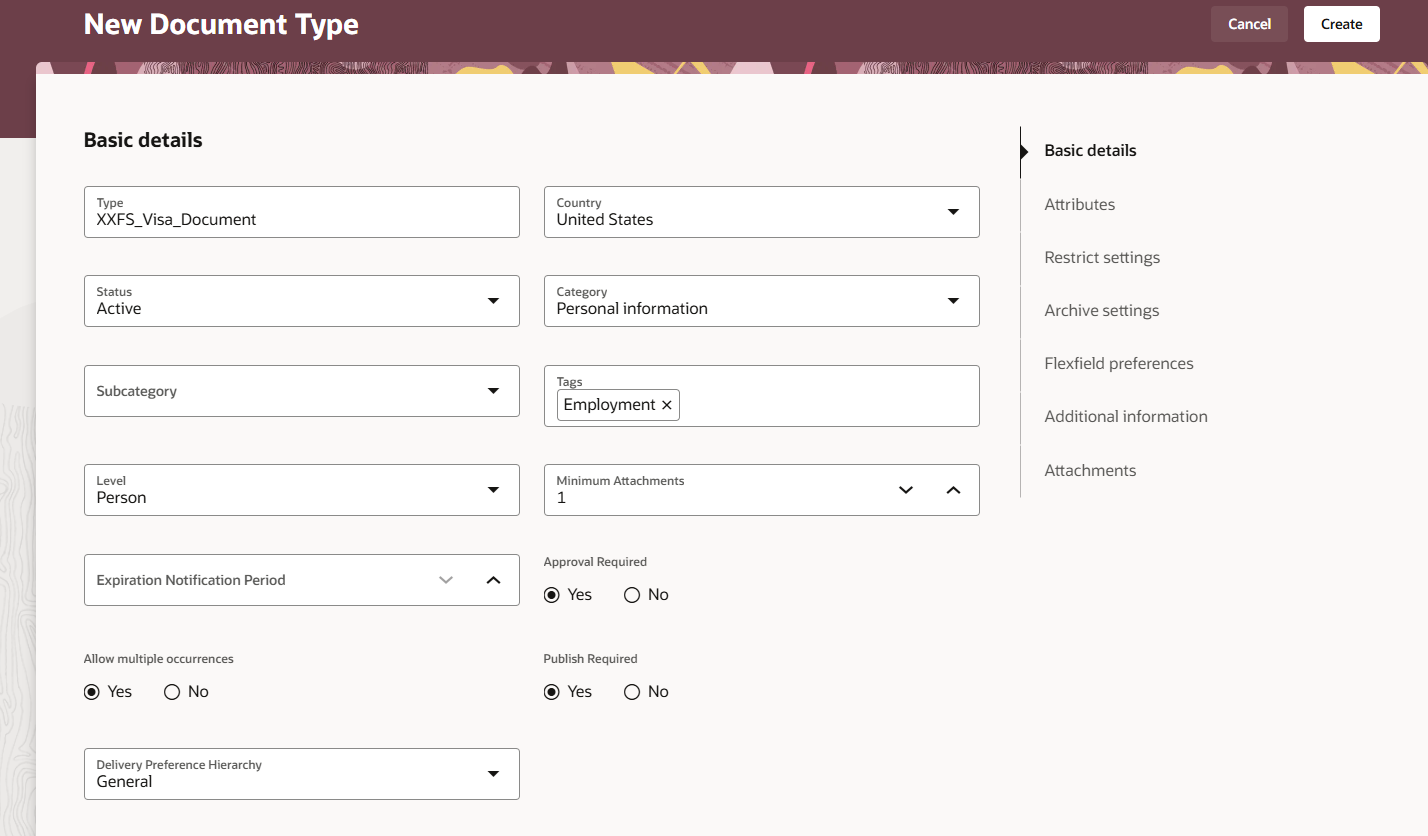
Document of Record Descriptive Flexfields DFF
To Assign Extra Fields or adding extra fields in Document of Records. Navigate to “Document Records Descriptive Flexfields” from Setup and Maintenance.

Click On Edit Button.
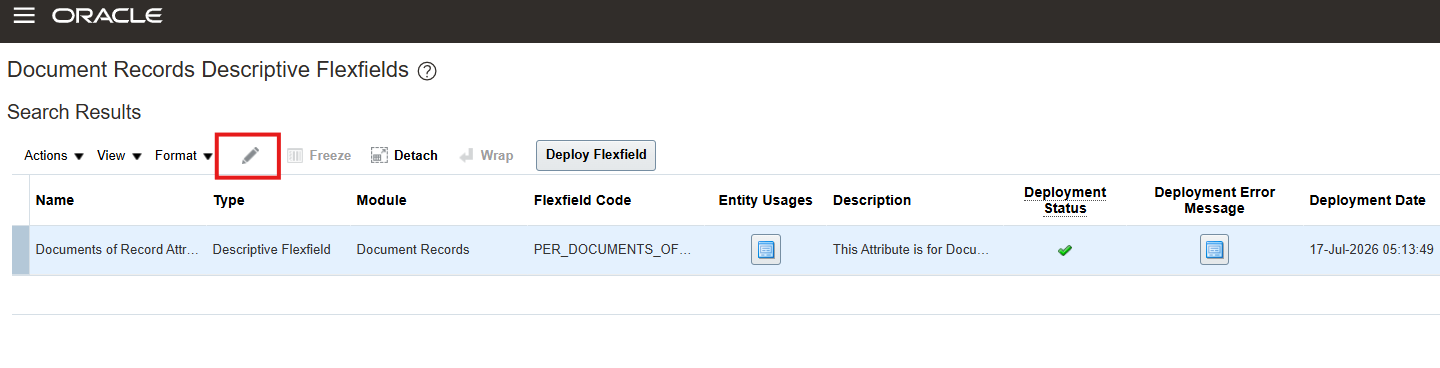
Click on Manage Contexts.

Create New Flexfiled from here or Search with DOR Code for existing Record to modify.

In many organizations, HR departments frequently receive requests from employees for official letters and certificates. These documents are often required for personal, legal, or administrative purposes and must be generated quickly while maintaining organizational standards.
Oracle Fusion HCM simplifies this process by allowing organizations to generate official letters directly from Document Records for specific Document Types. This automation reduces manual effort, ensures consistency, and improves the overall employee experience.
Employees commonly request these letters for purposes such as:
- Visa and embassy applications
- Driving license verification
- Bank loan or account verification
- Rental or lease agreements
- Employment verification
- Salary certificates
- Government documentation
- Other official or regulatory requirements
By configuring Document Records with BI Publisher reports, organizations can automatically generate standardized letters based on employee data, eliminating repetitive manual tasks and ensuring accuracy.
In this article, you’ll learn how to configure and generate letters from Oracle Fusion Document Records for a specific Document Type, including the necessary setup and report integration steps.